
AI, or Artificial Intelligence, is the science of creating machines and software that can think, learn, and make decisions like humans. It uses algorithms and data to perform tasks that normally require human intelligence, such as understanding language, recognizing images, solving problems, and adapting to new information. UI/UX designers thinking of AI approaches design with a human-first mindset while leveraging the intelligence and adaptability of artificial systems. Instead of seeing AI as a replacement, the designer treats it as a co-creator that enhances user experiences by making interfaces smarter, more intuitive, and personalized. This involves designing for transparency, ensuring users understand why AI makes certain suggestions, while also keeping control in the users’ hands with clear options to refine or override outcomes. Ethical awareness, inclusivity, and privacy remain at the core, as AI-driven products must avoid bias and maintain trust. By blending traditional design principles with adaptive, conversational, and predictive elements, the UI/UX designer crafts experiences where AI feels seamless, supportive, and empowering, shaping interfaces that not only look good but also think alongside the user.
Artificial Intelligence (AI) is transforming the world of design by blending creativity with advanced technology. From graphic and product design to architecture and fashion, AI-powered tools are helping designers craft innovative solutions faster and more efficiently than ever before.
What is AI in Designing?
How AI is Shaping Modern Design
1. Generative Design
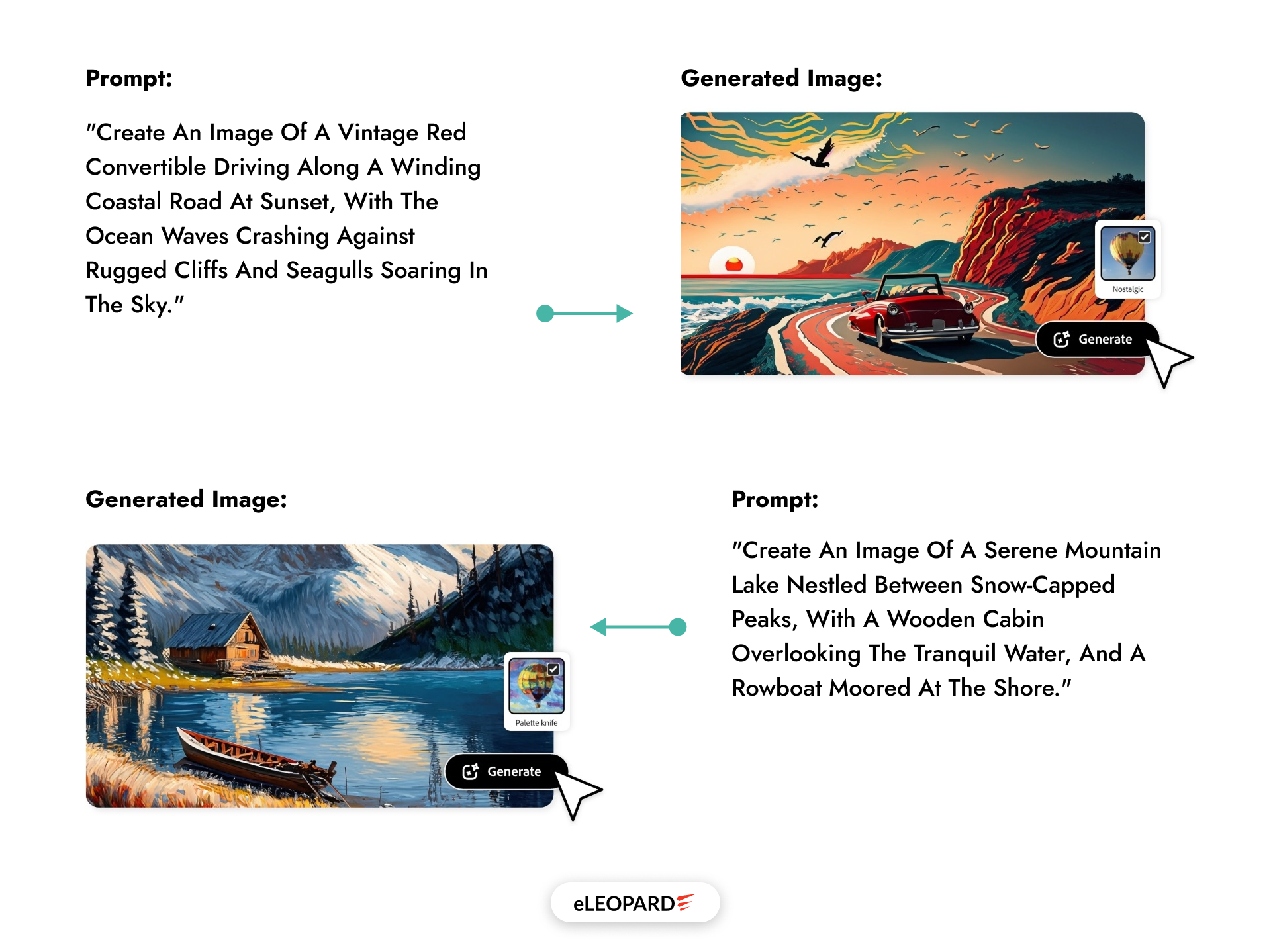
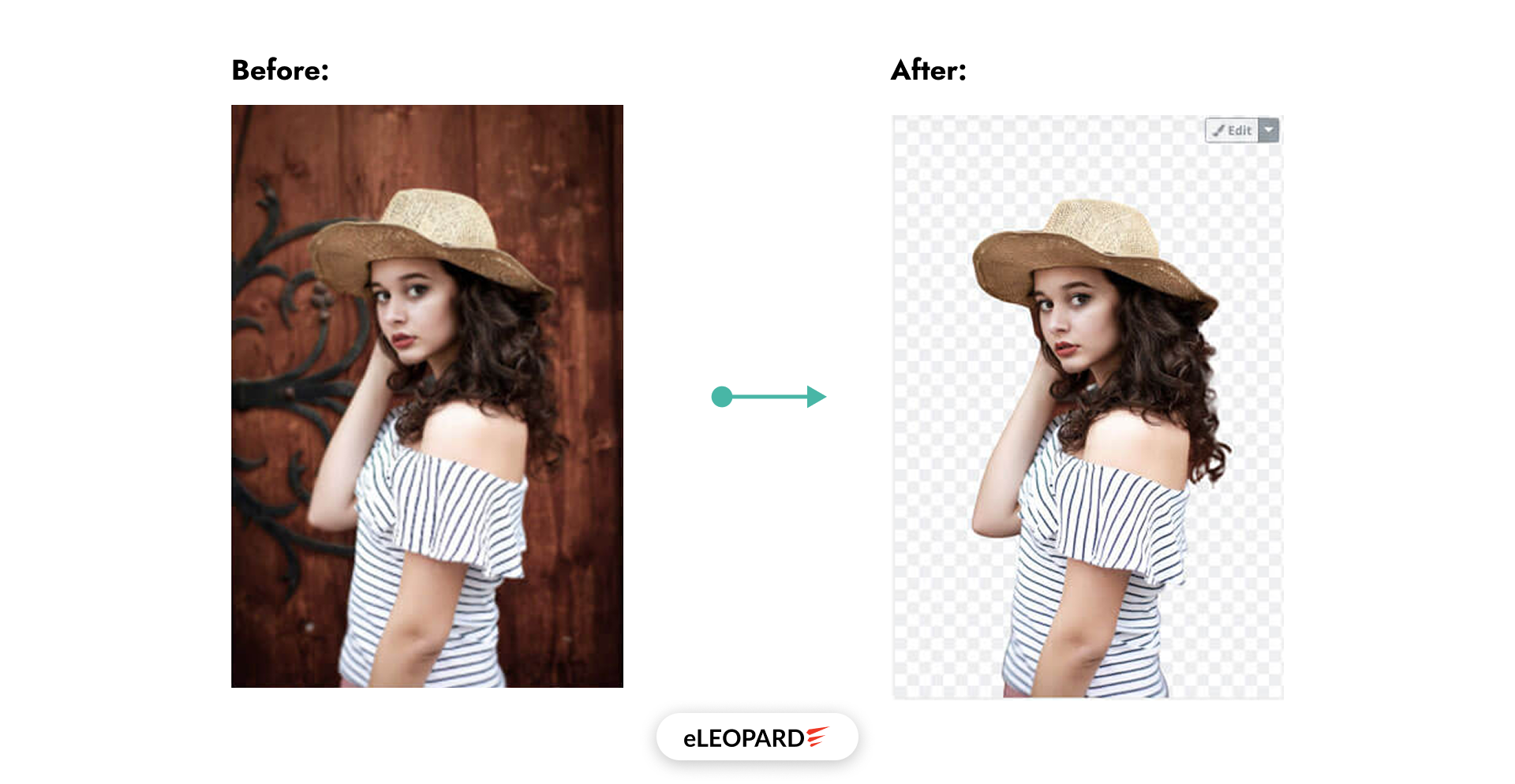
2. Automating Graphic Design Tasks
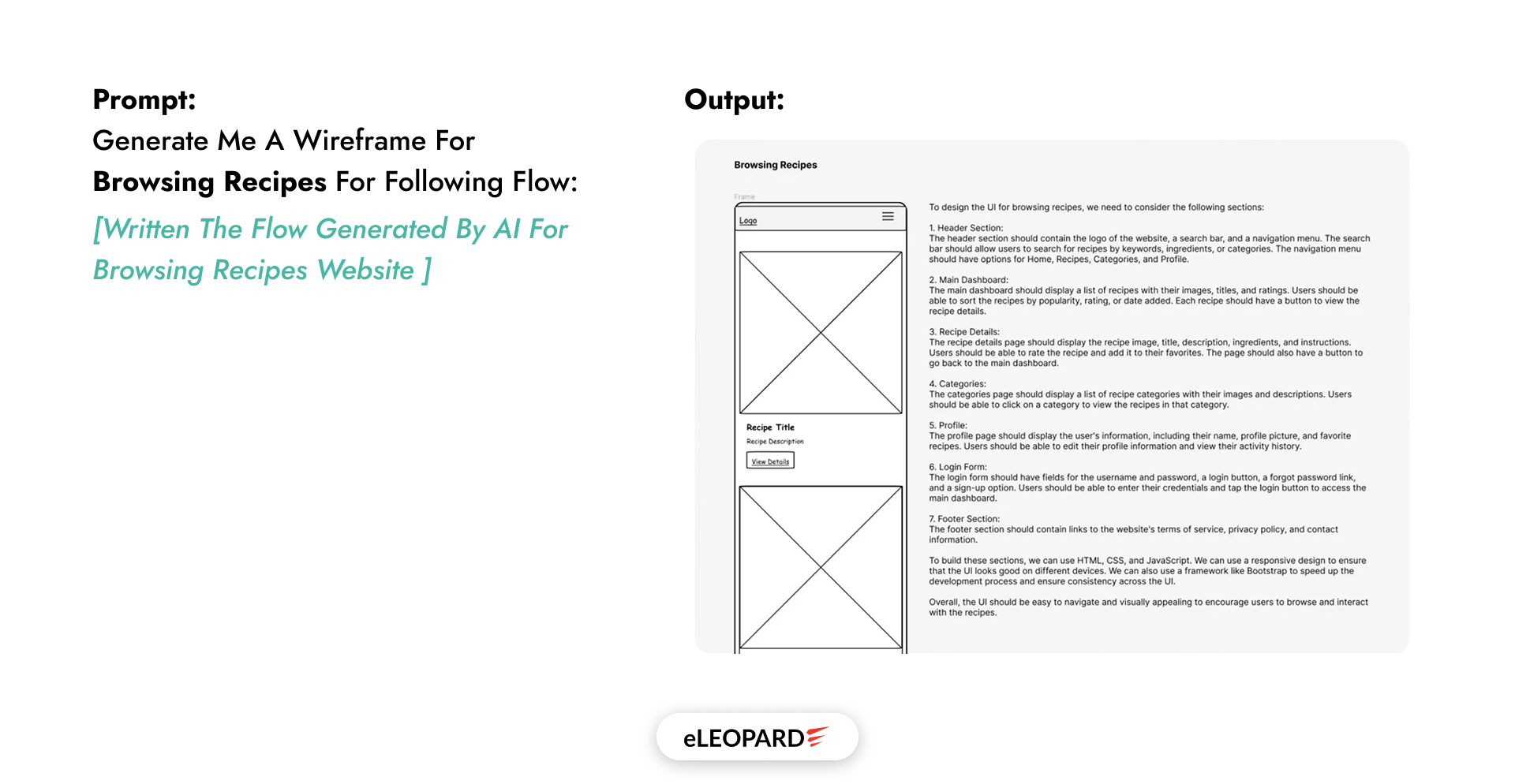
3. Enhancing User Interface (UI) and User Experience (UX)
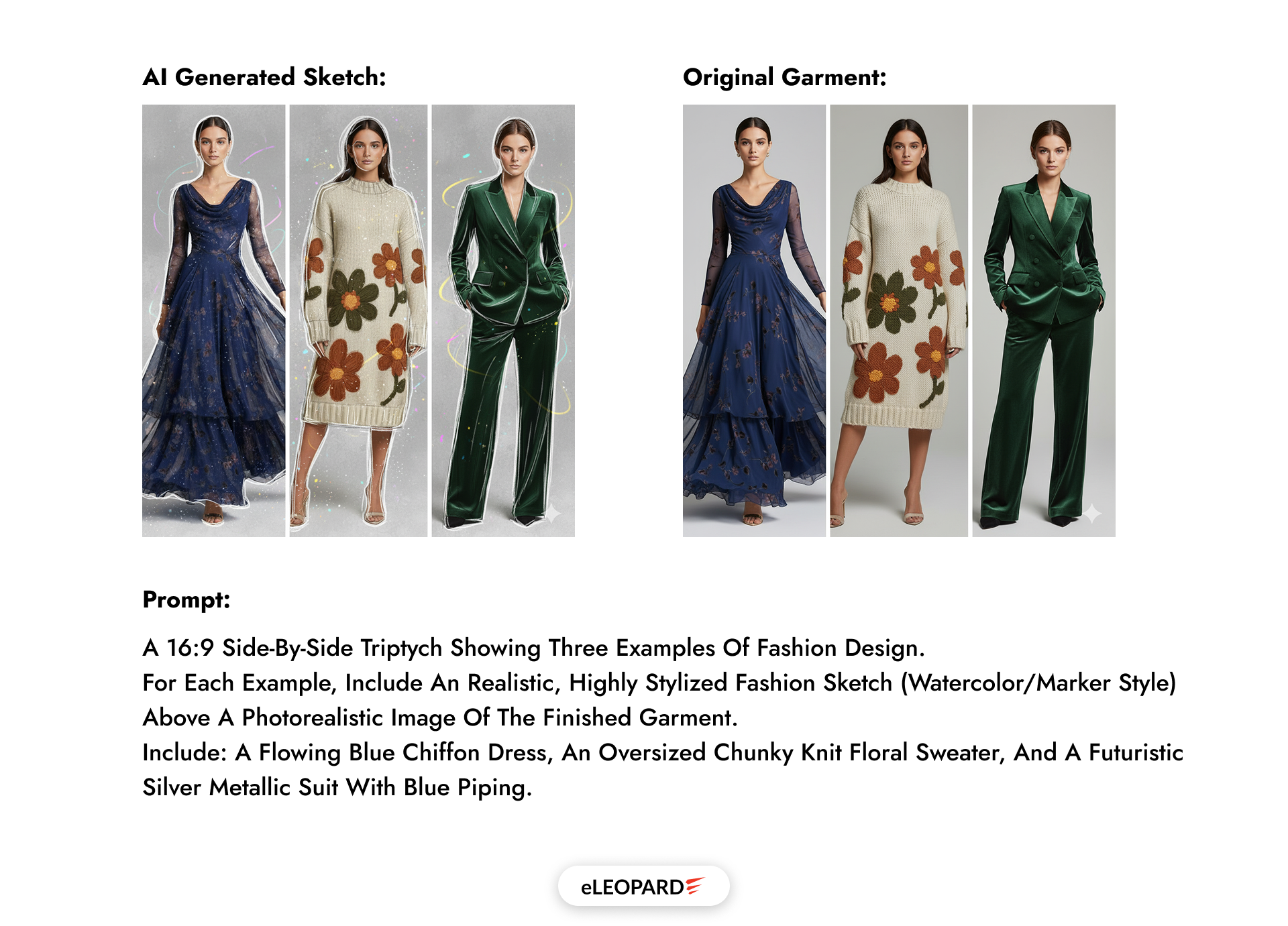
4. Fashion Design and Trend Prediction
Why Embrace AI in Your Design Workflow?
- Boost Creativity: Explore a wide range of design possibilities beyond human imagination.
- Increase Efficiency: Automate repetitive tasks and reduce production time.
- Personalization: Deliver customized products and experiences tailored to clients.
- Data-Driven Decisions: Design informed by user analytics and market trends.
Popular AI Tools for Designers
1. Figma Plugins
2. Adobe Firefly
3. Freepik AI Suite
4. Canva (with Magic Studio / AI integrations)
5. ChatGPT
ChatGPT (by OpenAI) is an advanced AI model based on the GPT (Generative Pre-Trained Transformer) architecture. It’s designed to understand natural language and generate human-like text in response.
For designers, ChatGPT acts as a creative co-pilot, a thinking partner that helps with ideation, communication, and automation throughout the design process. As AI continues evolving, ChatGPT is becoming:
- Integrated directly into Figma, Canva, and Adobe tools.
- Voice + Vision aware, enabling visual feedback on mockups.
- A design thinking assistant that can co-create user journeys, prototypes, and brand narratives.
Conclusion
Revolutionize Your Design Process with AI-Powered Solutions from Eleopard!
Step into the future of design with eLEOPARD, where AI meets creativity. By harnessing the power of artificial intelligence, we streamline your design process, creating smarter, more efficient user experiences that feel intuitive and personal. From adaptive layouts to data-driven design choices, our AI-enhanced approach helps you stay ahead of the curve, ensuring every element of your digital product is optimized for maximum impact. Ready to transform your UI/UX designs with precision and speed? Let Eleopard show you how AI can redefine what’s possible. Reach out today to start your next-level design journey!
