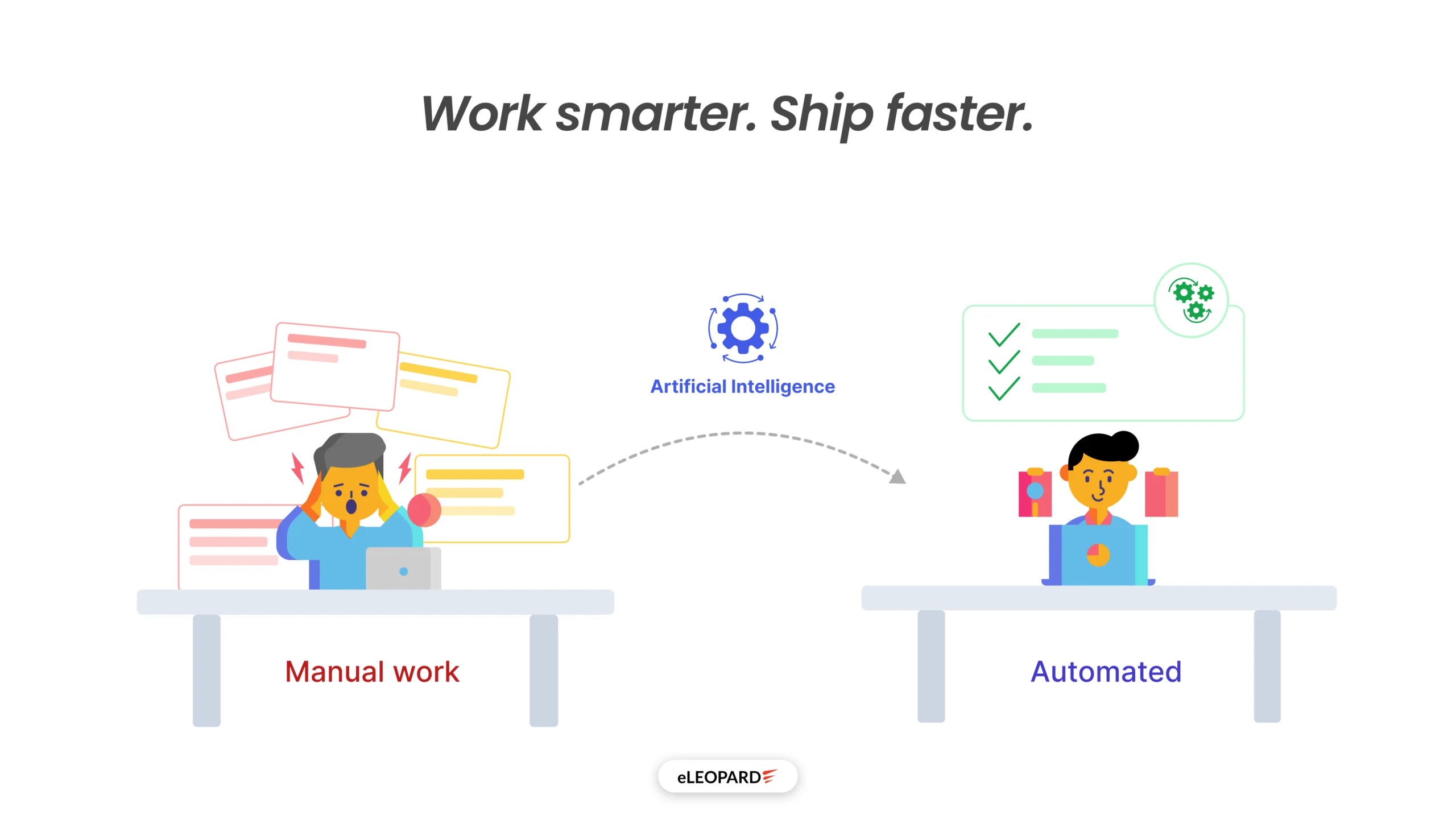
Let’s be honest for a second. How much of your team’s day is spent doing things a well-built system could handle on its own? We’re not talking about replacing people; we’re talking about freeing them up to do the work that actually requires a human brain, while the repetitive, time-consuming, error-prone stuff gets done automatically in the background.
At eLEOPARD, we’ve spent years building digital products for companies across industries. The businesses that scale fast and stay competitive are the ones that stopped treating automation as a “plan” and started treating it as a present-day priority. We don’t just talk about AI — we’ve built it into the core of how design and development actually get done.
The businesses still stuck in spreadsheets, manual approval chains, and copy-paste workflows?
They’re not just slower. They’re quietly bleeding money and talent every single day.
Let’s cut to it. The companies winning right now aren’t working harder — they’re working smarter by automating the repetitive, error-prone, time-consuming work that silently drains their teams every single day. At eLEOPARD, we’ve been inside enough product teams to know where the bleeding happens. And we’ve built the systems to stop it.
“The gap between companies using AI today and those planning to use it ‘someday’ is no longer just a technology gap; it’s a competitive one. We built our practice around being on the right side of that gap.”
The Manual Process Problem Nobody Talks About
When we start digging into how a company actually works, the cracks appear fast. A design team that spends two days in review cycles that could take two hours with a smarter handoff system. A development team running the same QA checklist manually before every release. A marketing team exporting data from three different platforms into a spreadsheet before they can make a single decision.
Sound familiar?
The issue isn’t that these companies lack tools. It’s that the tools aren’t talking to each other, the processes aren’t built to scale, and nobody has sat down to ask: “What if we just… automated this?”
That’s exactly the kind of question we ask on day one with every client.
What AI Can Actually Automate in Your Design Process
The creative core of design? That still needs a human. But around that core sits a mountain of repetitive work, and we’ve systematically eliminated it for our clients.
AI-powered UX research synthesis
AI-powered analysis tools can now cluster themes, flag recurring pain points, and surface patterns across qualitative data in hours. We build systems that feed this kind of processed insight directly into your design team’s workflow, so they’re always designing with evidence rather than assumptions.
Design-to-Development Handoff
Designers finish a component, developers interpret it differently, inconsistencies sneak in, and now you’re spending time reconciling specs instead of shipping features. When we build design systems, we build them with automated token documentation, component-level specs that export directly, and handoff workflows that leave almost zero room for ambiguity. What used to be a two-day back-and-forth becomes a same-day handoff.
Automated design QA
Catching a button that’s 2px off or a font weight that’s wrong across 40 screens is not a job for humans — at least not as a primary line of defense. Automated design QA can flag inconsistencies against your established design system before a single pixel goes to the developer.
“The shift: When designers stop chasing pixel mismatches and spec ambiguity, they spend that time on the work that actually requires a human brain. That’s where your product gets better.”
What AI Can Actually Automate in Your Development Process
Development automation isn’t new — CI/CD pipelines, version control, automated testing have been around for years. But most teams are only scratching the surface of what modern AI-assisted development can do. The companies we build with today aren’t just automating deployments. They’re automating the cognitive load.
AI-assisted code review
Manual code review is necessary, but it shouldn’t be the first or only line of defense against bad code. Our senior engineers get to focus on architecture decisions, not spotting missing null checks.
Debugging
We build AI-assisted debugging layers that trace errors, surface root causes, and suggest fixes before an engineer even opens the console. Less time hunting, more time building.
Optimization & Refactoring
Performance bottlenecks, bloated functions, and outdated patterns get flagged and refactored automatically, keeping codebases lean without pulling engineers off feature work.
Performance Improvement
AI-powered performance monitoring can continuously analyze application behavior, identify slow queries, memory leaks, inefficient API calls, and resource-heavy processes before they impact users. Teams gain actionable recommendations to improve speed, scalability, and reliability without spending weeks manually profiling systems.
“The shift: When developers stop firefighting bugs and chasing review backlogs, they build the systems they were actually hired to build. That’s where codebases go from functional to exceptional.”
Why Most In-House Automation Attempts Fail
We’ve seen it happen repeatedly. Teams try to automate and hit a wall, not because automation is hard, but because they make one of three mistakes:
They automate the wrong things first. They pick a flashy use case instead of the highest-impact bottleneck in their actual workflow.
They bolt automation onto a broken process. Automating a bad workflow doesn’t fix it — it just makes you fail faster at scale.
They build something unmaintainable. It works for six months, then the person who built it leaves, and nobody knows how to touch it.
Our process starts with mapping how work actually flows, where it slows down, where errors creep in, where your team is spending time they’d rather not be spending. Then we build systems that are maintainable, scalable, and that your team actually understands. We stay involved after launch. That’s not a sales line; it’s how the work holds up over time.
Signs Your Business Is Ready for AI Automation
Many organizations assume AI automation is only relevant when operations become unmanageable. In reality, the best time to automate is before inefficiencies begin affecting growth, customer experience, and profitability.
If your teams are spending valuable hours on repetitive tasks, manually moving data between systems, or responding to the same customer inquiries every day, AI can likely deliver measurable improvements without requiring a complete overhaul of your existing processes.
Here are some common signs that your business is ready for AI automation:
1. Your Team Spends Too Much Time on Repetitive Tasks
When employees regularly perform activities such as data entry, document processing, appointment scheduling, report generation, or customer follow-ups, productivity suffers. Highly skilled professionals often focus on routine work rather than strategic initiatives that drive business growth.
AI automation can handle these repetitive processes around the clock, allowing teams to focus on higher-value activities.
2. Customer Response Times Are Slowing Down
Modern customers expect quick answers and seamless service. If inquiries are piling up in inboxes, support tickets remain unresolved for extended periods, or leads wait hours for a response, your business may be losing revenue opportunities.
AI-powered chatbots and intelligent workflow automation can instantly engage customers, answer common questions, qualify leads, and route requests to the right teams.
3. Operational Errors Are Becoming More Frequent
Manual processes often create inconsistencies, duplicate records, missed approvals, and costly mistakes. As transaction volumes increase, these issues become harder to manage and more expensive to fix.
AI systems can help standardize workflows, validate information, and reduce human error across critical business operations.
4. Growth Is Creating Process Bottlenecks
A business that grows without optimizing its processes eventually reaches a point where operations struggle to keep up. New customers, increased workloads, and expanding teams often expose weaknesses in manual workflows.
If scaling requires hiring more staff simply to manage administrative work, automation may offer a more sustainable path forward.
5. Business Data Is Scattered Across Multiple Systems
Many organizations rely on separate platforms for CRM, customer support, finance, operations, and project management. When employees spend significant time gathering information from multiple sources, decision-making slows.
AI-powered automation can connect systems, streamline information flow, and provide teams with faster access to the insights they need.
6. Decision-Making Depends on Manual Reporting
If managers wait days or weeks for reports to be compiled, opportunities can be missed. AI-driven reporting and analytics can automatically collect, process, and present data in real time, enabling faster and more informed decisions.
A Quick AI Readiness Check
Your business may be ready for AI automation if you answer “Yes” to three or more of the following questions:
- Are employees spending hours each week on repetitive administrative work?
- Do customer inquiries frequently require manual handling?
- Are operational errors impacting productivity or customer satisfaction?
- Is your organization struggling to scale efficiently?
- Do teams use multiple disconnected systems?
- Are reports generated manually regularly?
Discover Your Highest-Impact Automation Opportunities
Not every process should be automated, but identifying the right ones can unlock significant efficiency gains and cost savings.
If you’re unsure where to start, our AI Automation experts can help uncover the workflows with the highest automation potential and fastest return on investment. In many cases, businesses are surprised to discover how much time and revenue they can recover by automating just a few key processes.
This Isn't About Replacing Your Team
Automation done right doesn’t shrink teams; it multiplies what they’re capable of. A brilliant UX designer shouldn’t spend their afternoons on pixel alignment checks. A senior engineer who builds elegant systems shouldn’t spend mornings running a deployment checklist by hand.
When you remove that friction, the people you’ve already hired produce more of the work they were actually hired to do. That’s the shift we help companies make, and once a team experiences it, they don’t go back.
Frequently Asked Questions
What business processes can AI automate today?
AI can automate a wide range of business processes, including customer support, lead qualification, data entry, document processing, appointment scheduling, invoice handling, employee onboarding, reporting, and workflow approvals. Any repetitive, rule-based process is a strong candidate for automation.
How do I know if my business is ready for AI automation?
If your team spends significant time on manual tasks, experiences operational bottlenecks, struggles with growing workloads, or relies heavily on spreadsheets and email-based workflows, your business is likely ready for AI automation.
Will AI work with our existing software and systems?
Most modern AI solutions can integrate with popular CRMs, ERPs, helpdesk platforms, databases, and communication tools. The goal is typically to enhance your existing systems rather than replace them.
Is AI automation expensive to implement?
The cost depends on the complexity of the process being automated. Many businesses start with a single workflow and expand over time. In many cases, the savings from reduced manual work and improved efficiency outweigh the implementation costs.
What is the difference between AI automation and traditional automation?
Traditional automation follows predefined rules and workflows. AI automation can understand context, process natural language, analyze data, and make intelligent decisions, allowing it to handle more complex business processes.
Which departments benefit most from AI automation?
AI can deliver value across multiple departments, including sales, marketing, customer support, operations, finance, human resources, and IT. The greatest benefits often come from automating high-volume, repetitive tasks that consume valuable employee time.
How long does it take to implement AI automation?
Implementation timelines vary based on the complexity of the project. Simple AI-powered workflows can often be deployed within weeks, while enterprise-wide automation initiatives may require a phased rollout over several months.
Is AI automation secure for business data?
Enterprise AI solutions typically include security measures such as encryption, access controls, audit trails, and compliance support. The right implementation approach ensures that sensitive business data remains protected.
What kind of ROI can businesses expect from AI automation?
Businesses often see improvements in productivity, faster response times, lower operational costs, reduced errors, and increased scalability. The exact return on investment depends on the processes being automated and the volume of work involved.
