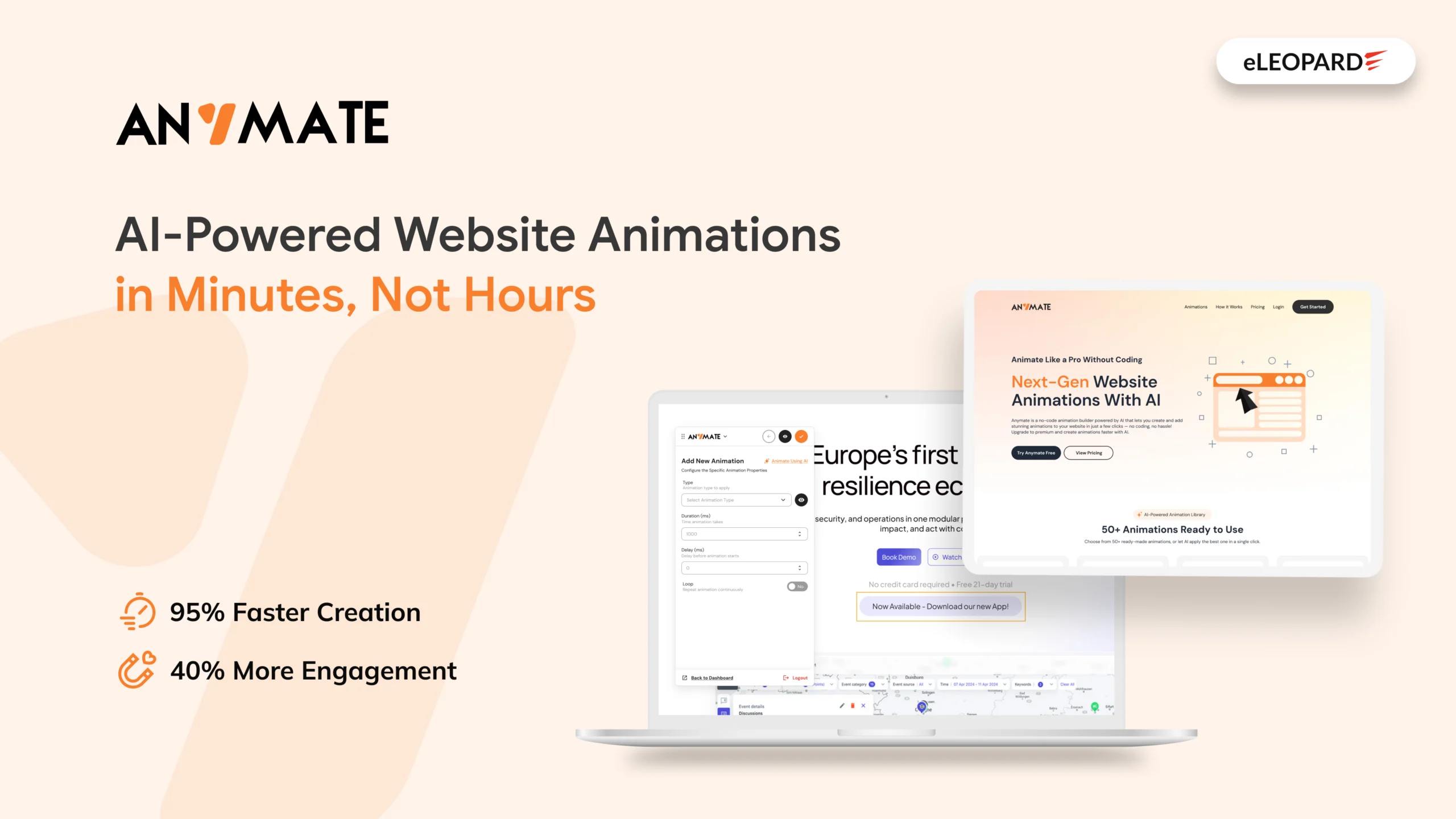
At eLEOPARD, we build digital products to solve practical problems. While working on modern websites and user experiences, we saw a recurring challenge: creating good website animations often takes more time, technical effort, and development resources than it should.
That led us to build Anymate, our no-code AI animation platform designed to make website animation faster, simpler, and accessible without writing animation code from scratch.
The Idea Behind Anymate
We didn’t want to build another library where users simply pick an effect and paste some code. We wanted to make the entire process easier. Anymate was developed around a simple question:
What if a website could be animated without someone having to code every animation individually?
That’s where AI comes in.
Anymate can look at the structure of a webpage and identify important elements such as headings, images, buttons, sections, and other visual components. It can then generate animations across the page based on those elements. Instead of starting with a blank screen, users can start with an already-understood webpage.
Why AI-Powered Website Animation?
Automation is useful when you want to move quickly. But it shouldn’t take away control. That’s why we built two different ways to work with Anymate.
- Users can let AI generate animations across their website when they want a fast starting point.
- Or they can use the visual builder to select individual elements and decide exactly how they should behave.
Choose an element. Pick an effect. Adjust it. Preview it. No animation code required.
A Library for When You Already Know What You Want
Not every project needs AI. Sometimes you already know the kind of movement you want.
So we built a collection of 50+ ready-to-use animation effects, including options such as:
- Luxury Blur Slide
- Fade And Scale Up
- Cinematic Flip In
- Roll In
- Zoom In
- And more
Instead of recreating common animation patterns from scratch, users can start with an existing effect and adapt it to their page.
We Kept Installation Simple
We also didn’t want adding an animation platform to become another development project.
Anymate uses a simple script-based setup. Once the website is connected, the Anymate script can be added before the closing </body> tag. From there, animation creation and management happen through the Anymate environment.
Built for the Web Technologies Teams Already Use
We designed Anymate to work with modern website technologies and platforms, including:
React, Angular, Vue, Next.js, WordPress, Shopify, and other modern frameworks and CMS platforms. We also designed animations to work responsively across desktop, tablet, and mobile experiences.
Some Exciting Key Features
We didn’t want Anymate to be a tool that generates an animation once and leaves users to manage everything manually afterward. That’s why we built a centralized dashboard where users can manage animation setups across multiple websites.
Anymate also includes:
- Live Preview – Test animations before publishing.
- Point-and-Click Interface – Select elements and apply animations visually.
- One-Line Installation – Connect a website with a simple script.
- Dashboard Management – Manage websites and animation settings from one place.
- Device-Responsive Animations – Support different screen sizes without separate animation setups.
- Anime.js Foundation – Built on the Anime.js animation library for smooth web animations.
Meet Anymate
Anymate makes professional website animation accessible without complicating the process. We built the platform to bridge that gap between design ideas and implementation.
Today, Anymate brings together AI-generated animations, a no-code visual builder, a ready-to-use animation library, live previews, responsive behavior, and simple website integration in one platform. Explore Anymate and start adding motion to your website without the code.
Frequently Asked Questions
Do I need coding knowledge to use Anymate?
No. Anymate provides AI-powered animation generation and a visual point-and-click builder, so users can create animations without manually writing animation code.
Can Anymate automatically animate my website?
Yes. Anymate can analyze your webpage structure and identify elements such as text, images, buttons, and sections before generating animations for the page.
Can I customize animations created by AI?
Yes. After generating animations with AI, you can use Anymate’s visual builder to select individual website elements and customize their animations.
Which websites and platforms does Anymate support?
Anymate is designed to work with modern frameworks and CMS platforms, including React, Angular, Vue, Next.js, WordPress, and Shopify.
How many animation effects are available in Anymate?
Anymate includes 50+ ready-to-use animation effects, giving users a starting library for different website elements and visual styles.
Can I preview animations before publishing them?
Yes. Anymate includes a live preview experience that allows you to review and refine animations before applying them to your website.
Can I manage animations for multiple websites?
Yes. Anymate’s dashboard is designed to help users manage animation setups across multiple websites from a centralized workspace.
